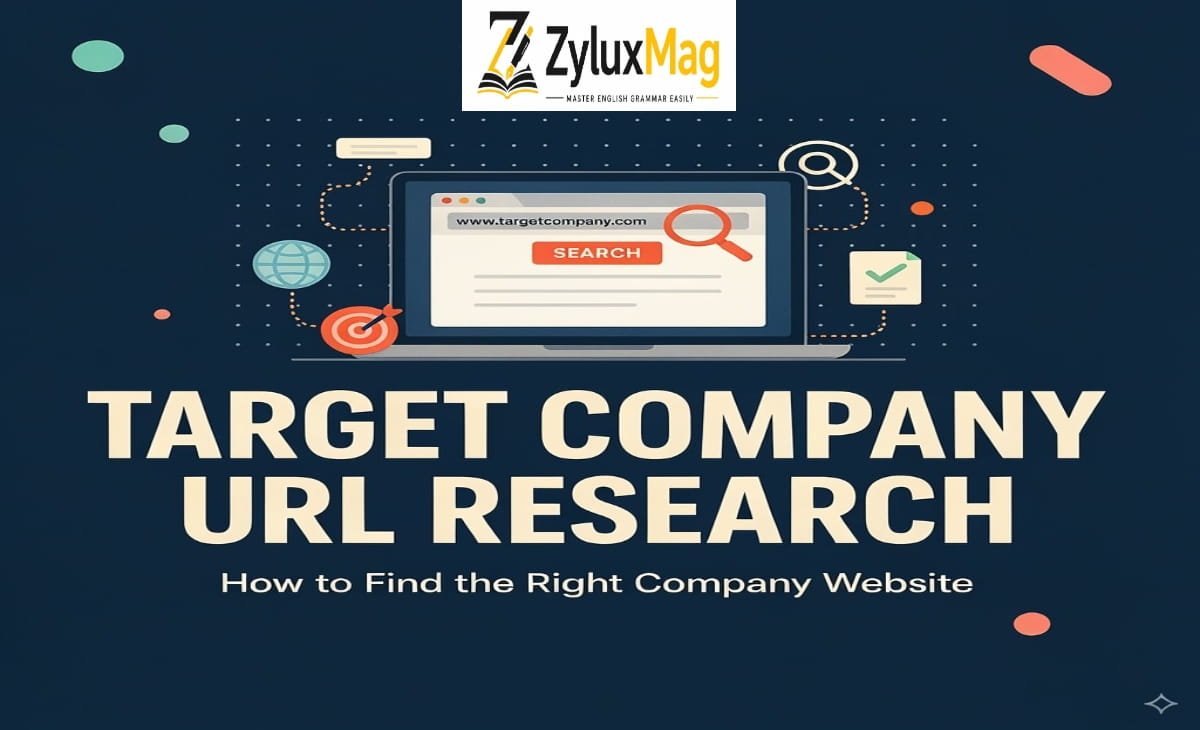
If you’ve ever had a spreadsheet full of company names and no way to tell which website belongs to which business, you already understand the problem this solves. Target company URL research is the process of identifying, verifying, and recording the correct official website for a specific company, usually as the first step before deeper research, outreach, or database building.
The word “target” here doesn’t refer to any particular brand. It simply means the company you’re currently investigating — a prospect, a lead, a competitor, or a candidate’s employer. This is a common source of confusion, so it’s worth stating clearly: this has nothing to do with Target Corporation, the retailer. That company’s own domains (target.com for consumers, corporate.target.com for corporate information) are unrelated to this research process.
This task shows up constantly in sales prospecting, recruiting, market research, investment analysis, and journalism — anywhere a person starts with a list of company names and needs to move from “name on a page” to “verified, working website.”
Why This Step Gets Skipped — and Why That’s a Mistake
It looks like a five-second task: type the company name into a search engine, click the first result, done. The problem is that the first result is frequently not the company’s own site. It might be:
- A LinkedIn or Facebook page
- A directory listing (Crunchbase, Yelp, industry databases)
- A news article mentioning the company
- A different company with a similar or identical name
- A reseller, franchise, or parent/subsidiary site
When wrong URLs make it into a dataset, every downstream task inherits the error. A salesperson researches the wrong company’s products. A recruiter reaches out referencing the wrong employer. A CRM ends up with duplicate or mismatched records because “ABC Technologies,” “ABC Tech Inc.,” and “ABC” were never linked to one confirmed domain. Small identification errors compound quickly across a large list.
A Practical Process for Verifying Company URLs
- Start with the exact name you have — then try variations.
Legal names often differ from the name a company actually markets itself under. Search both the full legal name (including suffixes like Inc., LLC, GmbH) and the shorter brand name. A company might legally be “Northbridge Consulting Group LLC” but operate publicly as just “Northbridge.” - Don’t click the first result — verify it.
Check that the site’s description, product list, location, and branding genuinely match the company you’re looking for. This matters most when:
- The company name is generic or common
- Multiple businesses share similar names
- The company is small and competing in search results against larger, unrelated companies with similar branding
- Treat directories and social profiles as leads, not confirmation.
A LinkedIn page or a Crunchbase listing can help you find a company, but it isn’t the company’s own website. Record the official domain separately once you find it — don’t substitute a third-party profile for it. - Check for the “real” domain among redirects and subdomains.
Larger companies often have multiple domains (regional sites, product-specific sites, old acquired-brand domains) that all redirect to one primary site. Identify the domain that best represents the parent company, especially if you’re standardizing a large dataset. - Use location and industry details as tiebreakers.
If two companies share a name, details like city, industry, or founding year usually resolve the ambiguity fast — these are often visible in the first paragraph of a company’s “About” page.
Common Mistakes to Avoid
| Mistake | Why It’s a Problem | Better Approach |
| Picking the top search result automatically | Search ranking reflects popularity, not accuracy | Read the page before confirming |
| Treating a directory/social page as the website | These are third-party, not company-owned | Find and record the actual domain |
| Ignoring similarly named companies | Leads to research on the wrong business entirely | Cross-check industry, location, branding |
| Using automated matching tools with no manual check | Tools can suggest incorrect matches for ambiguous names | Spot-check results, especially uncertain ones |
| Not standardizing name variants in a database | Creates duplicate records for the same company | Use the verified domain as the unique identifier |
Where Automation Helps — and Where It Doesn’t
For a handful of companies, manual search works fine. For hundreds or thousands, various company-lookup and domain-matching tools exist that take a list of company names and return likely domains. These tools can meaningfully speed up the first pass of research.
What they can’t fully replace is judgment. Automated name-matching struggles most with:
- Very common or generic company names
- Newly founded companies with limited web presence
- International companies with multiple regional domains
- Subsidiaries operating under a parent brand
The most reliable workflow treats automation as a first draft — it narrows thousands of names down to likely matches — and reserves manual verification for anything ambiguous before it goes into a database used for real decisions choosing the correct term in the right context.
The Bottom Line
Target company URL research isn’t about typing a name into a search bar — it’s about correctly identifying which website actually represents a business, and doing that consistently across a whole list of companies. Getting it right at this stage is what makes every later step — outreach, analysis, database building — actually reliable.
About Faizan Babar
Faizan Babar is the writer behind this blog, breaking down English grammar and vocabulary in a way that actually makes sense — clear explanations, real examples, no dry textbook jargon. His own mix-ups with confusing rules along the way are exactly what inspired him to create the resource he wished he’d had. When he’s not writing, he’s usually reading or figuring out the next topic readers are curious about.